Your ideas, in focus.A place for every project.Pick up the thread.
Swipe to explore · Tap any screen for a closer look
Public TestFlight beta
iPhone · iPad · Mac · Apple Watch
A thought, carried further
From a first thought to something you can build on.
Make room for the thought.
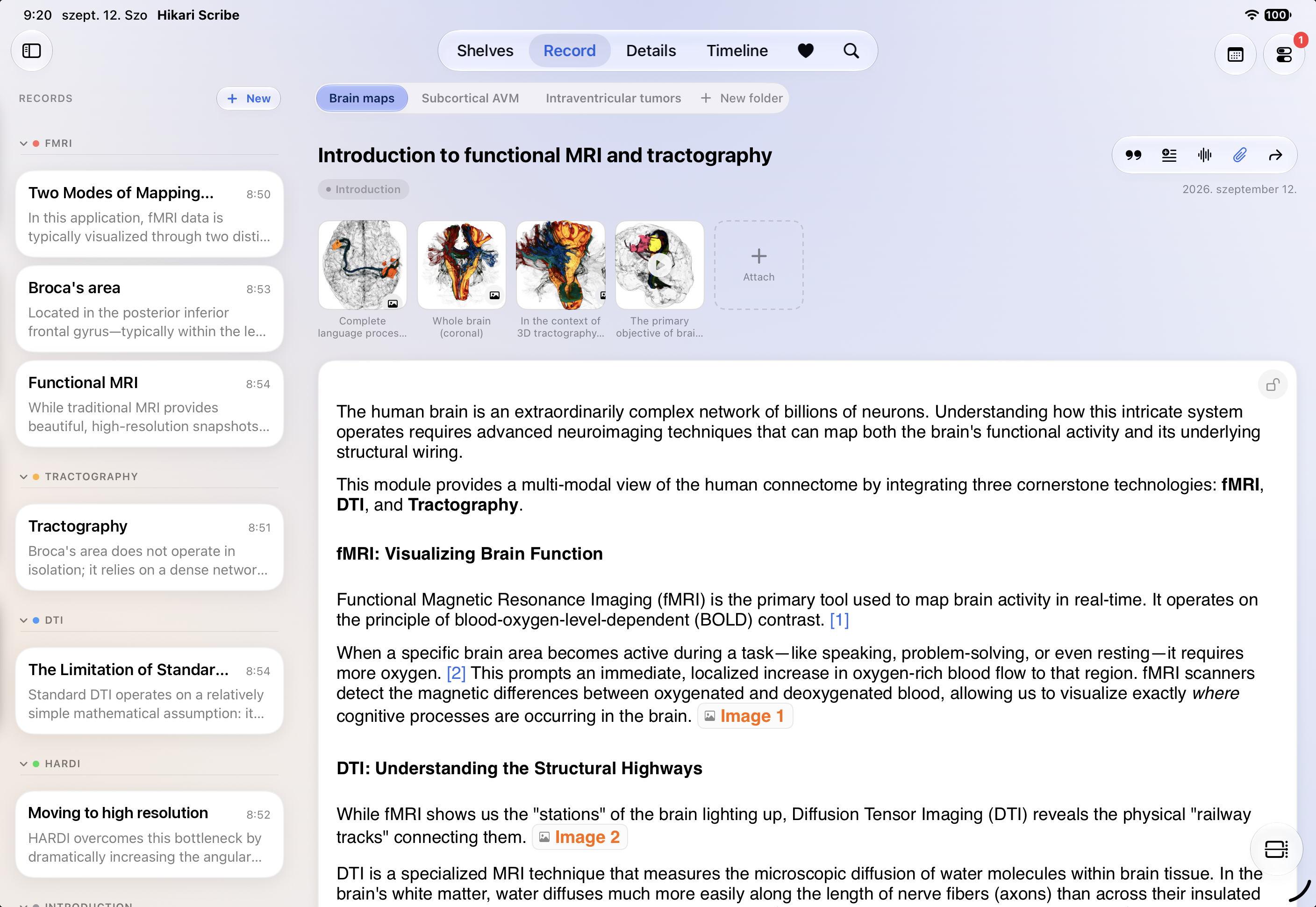
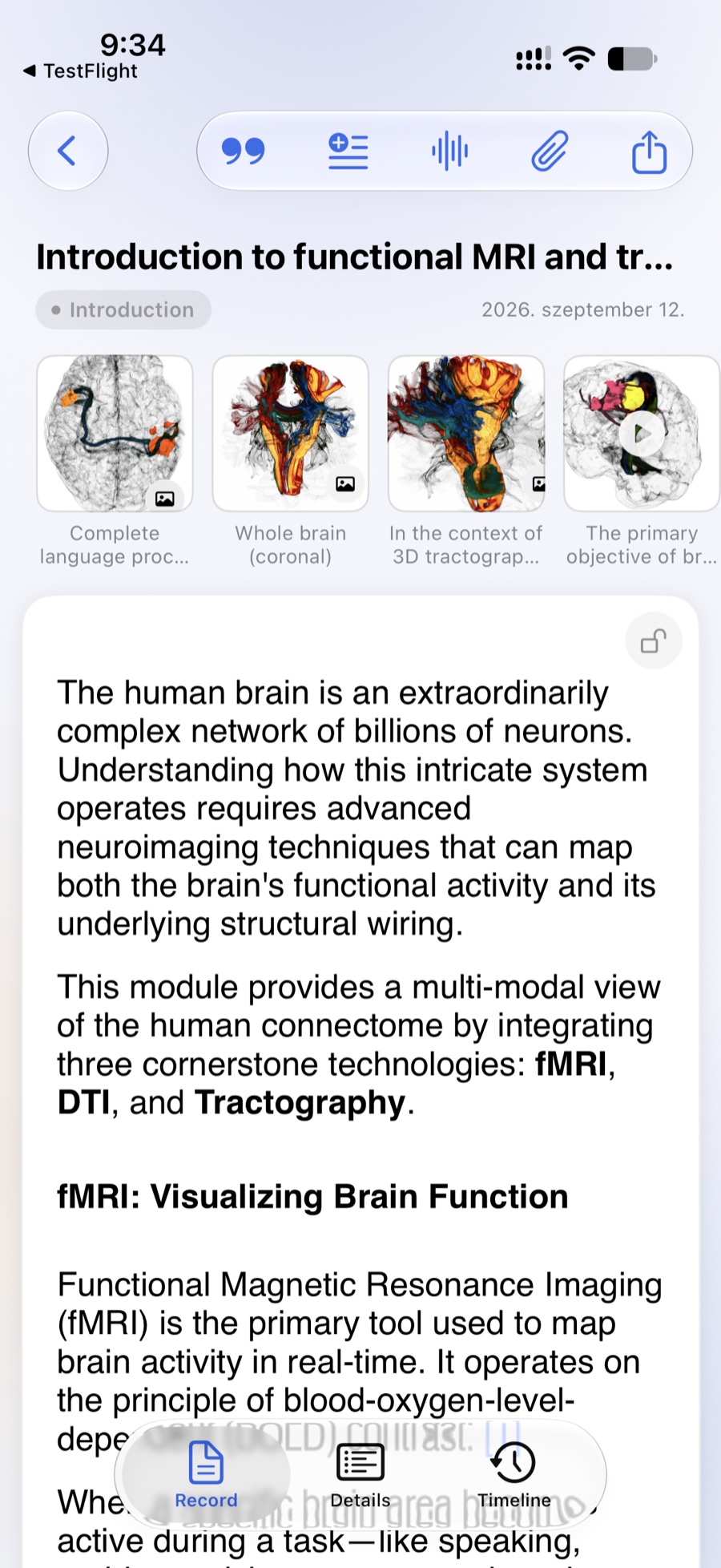
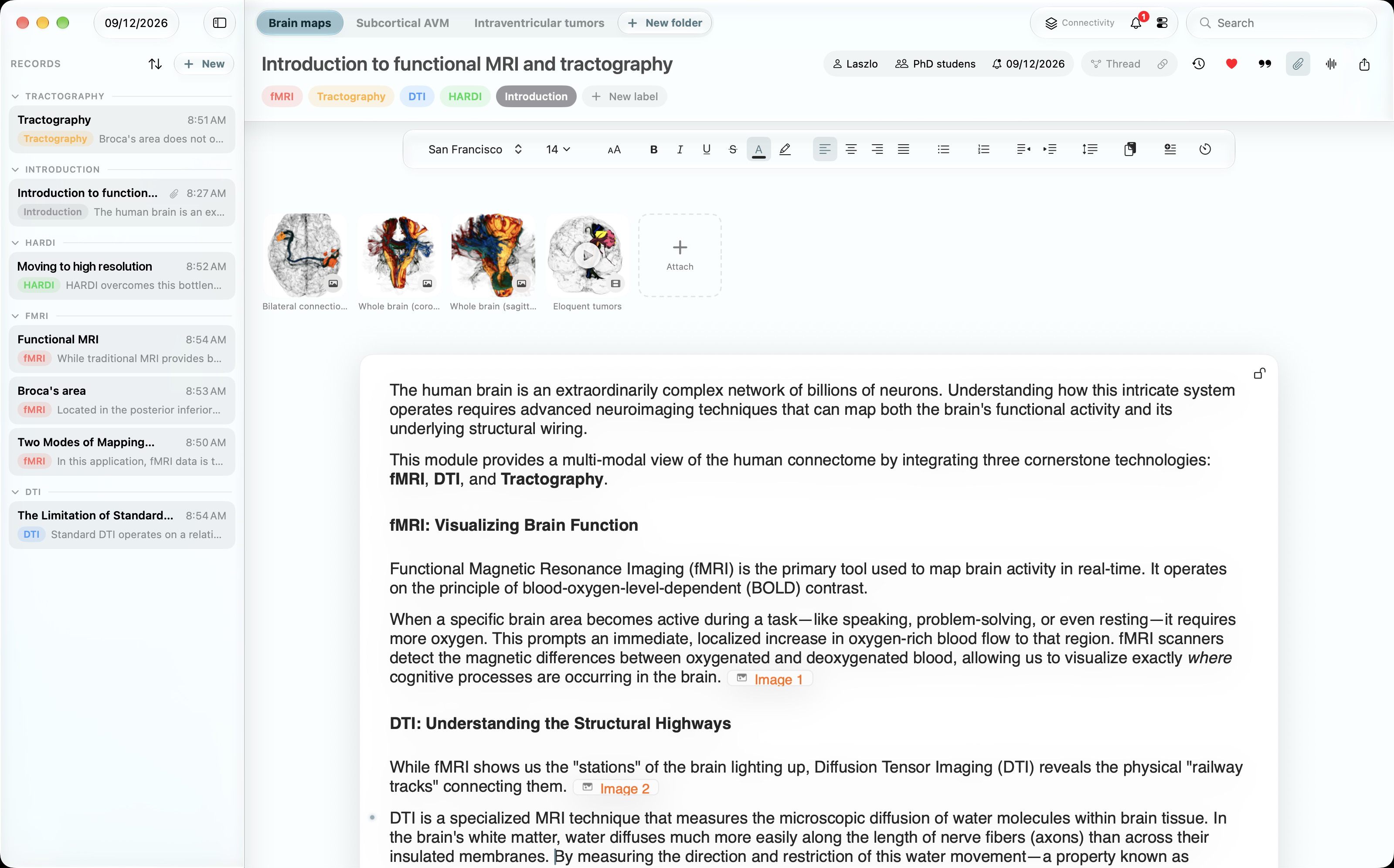
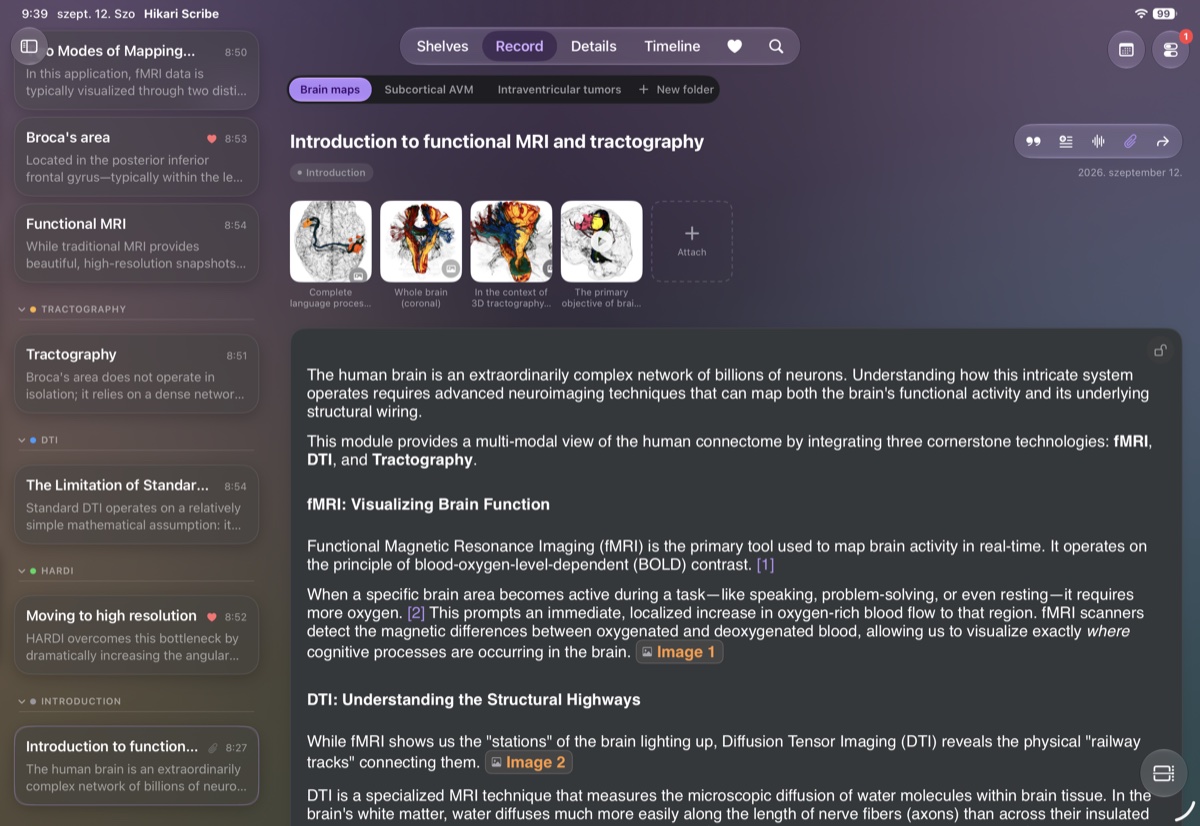
A reading note, a research diary, a draft. Give it shape with formatted text, then keep images, recordings and files beside the words they belong to.
Write it the way you think it.View larger ↗The picture stays with the sentence.
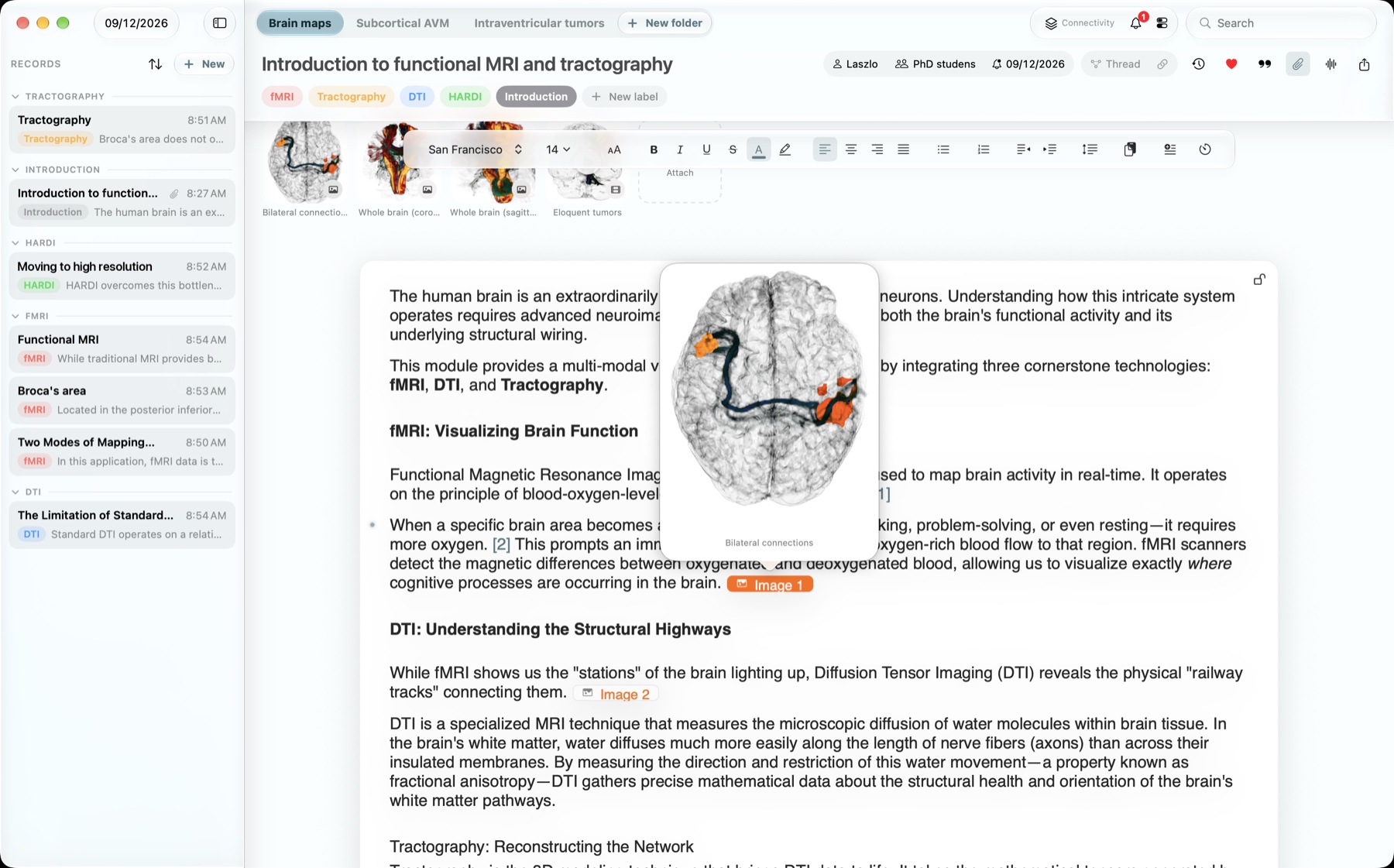
Open an inline attachment marker to see the image over the paragraph it belongs to, without losing your place.
An attachment, right where it belongs.View larger ↗
Keep the source with the sentence.
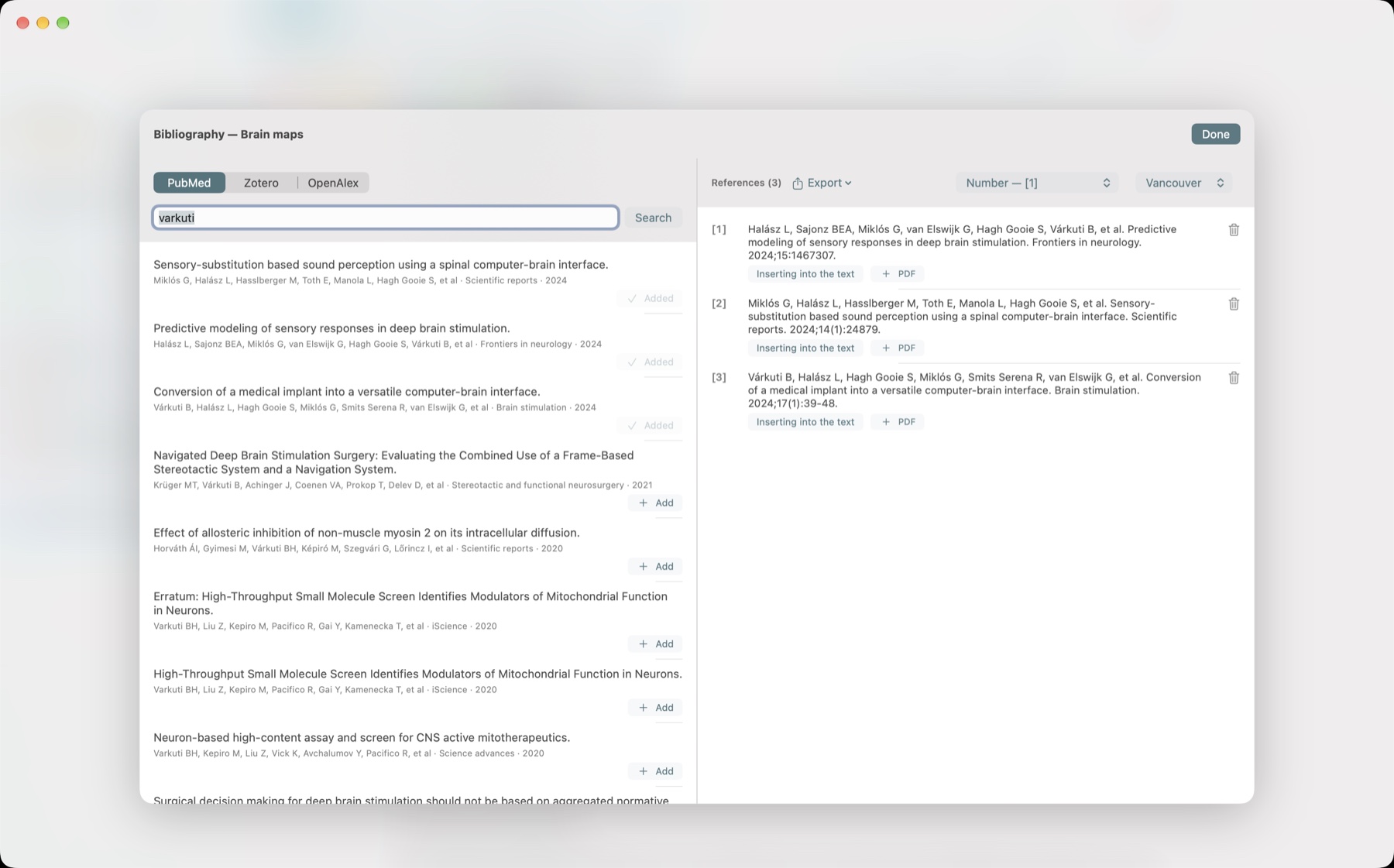
Find papers in PubMed or OpenAlex, bring in your Zotero library, and add citations as you write. Your folder bibliography stays close at hand.
From a paper to a reference in your writing.View larger ↗Explore the reference tools
Import RIS and BibTeX. Export your bibliography as Vancouver, APA, IEEE or Harvard text, or as RIS, BibTeX and CSV. Numbered citations follow their order of appearance.
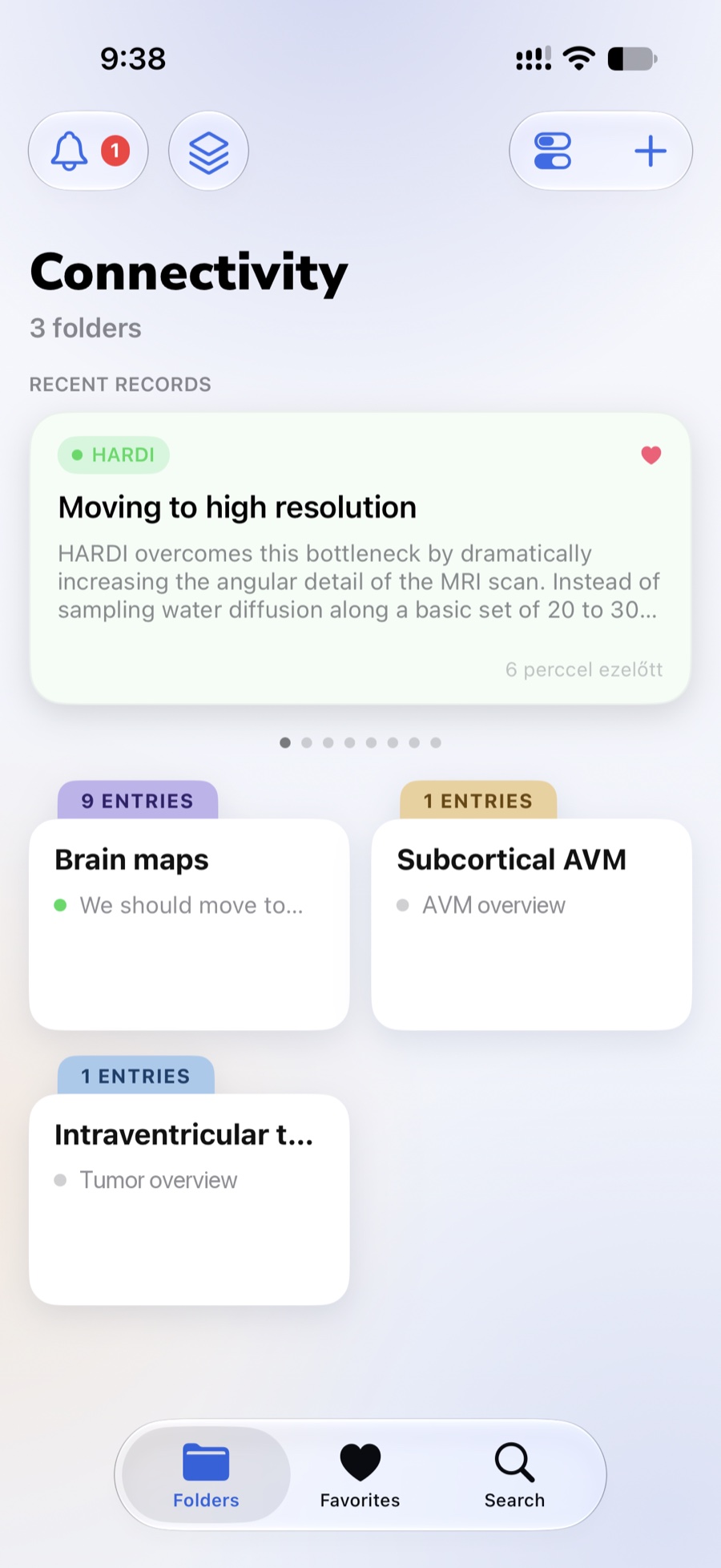
Pick up the thread.
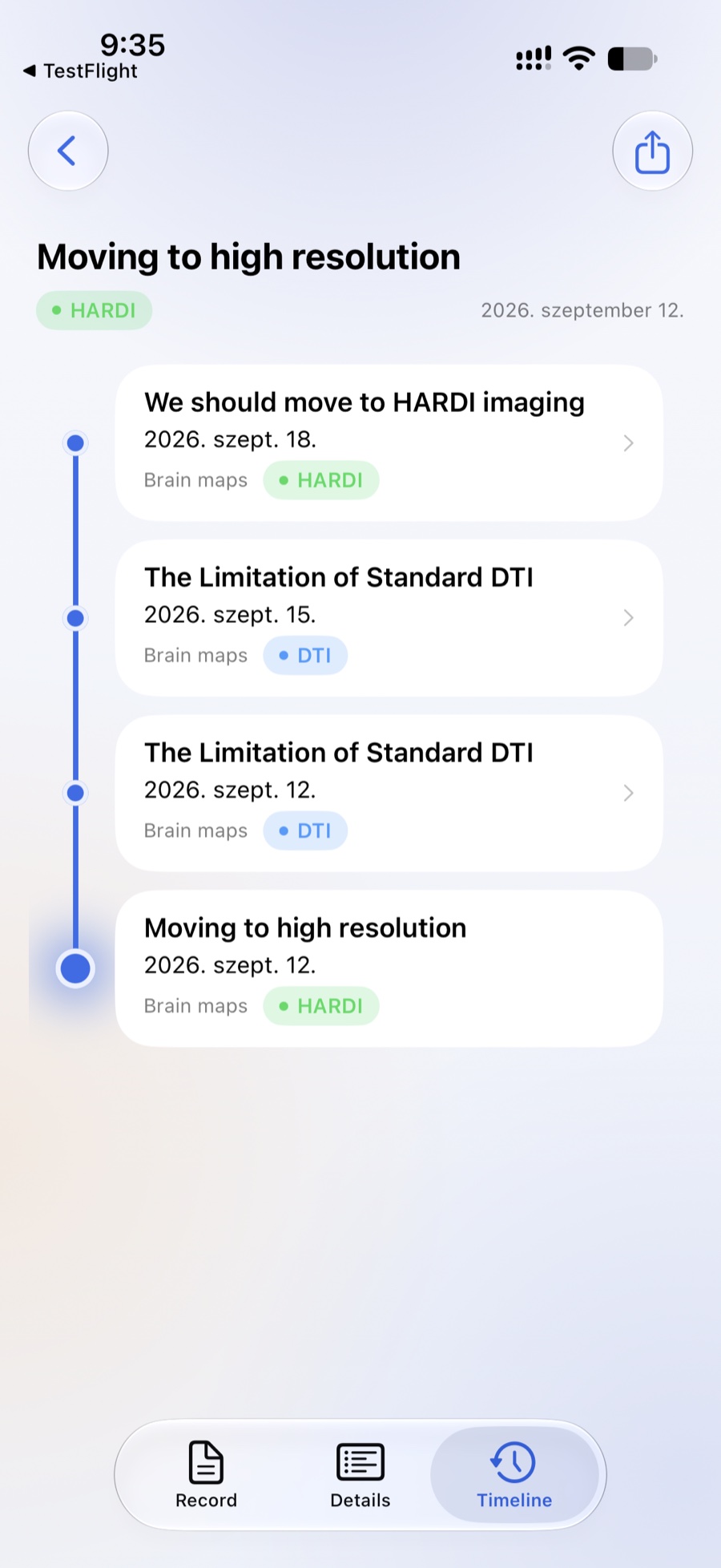
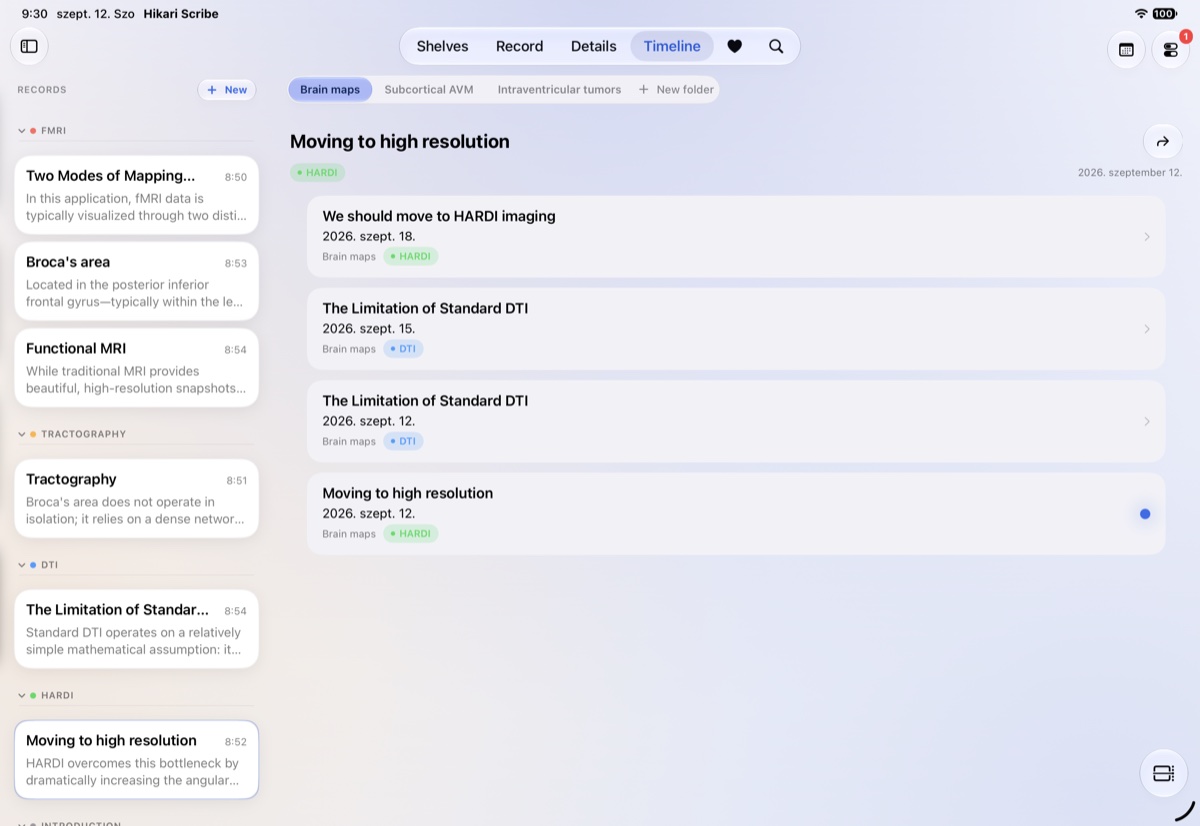
Find an entry by date, or follow related notes along a timeline. Come back to the context, not just the title.
A thread to come back to.View larger ↗Find your way back by date
Move through your entries with the date scrubber, or choose a day in the calendar. Optional Apple Calendar integration brings your alerts into view.
App screens captured in September 2026, with sample titles tidied for presentation. The teaching material shown contains no patient data.
A thought on the go
Catch the thought before it goes.
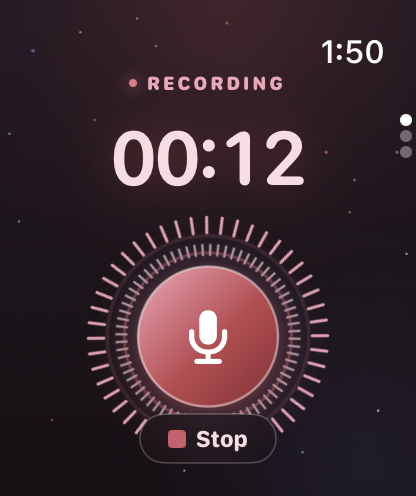
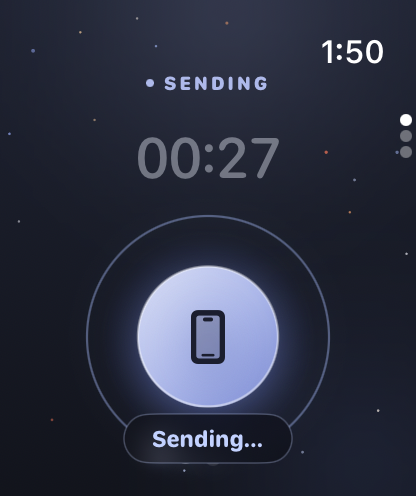
Record on your wrist. Send it to your iPhone. Turn voice into text on your device after the initial model setup.
The Watch companion records and hands the audio to your paired iPhone. Transcription runs on your device.
Capture it.→Carry it with you.
Made for your everyday
A place for the details, too.
01 /
Your own order.
Shelves, folders and labels for the way you work.
02 /
Ready for the next entry.
Templates for the notes you write again and again.
03 /
Comfortably yours.
Light and dark appearances, with workspace backgrounds you can choose.
A workspace that feels like you.
Find your light. Settle into your work.
Light appearanceView larger ↗
Dark appearanceView larger ↗
For research: your own journal table
Your reading, in context.
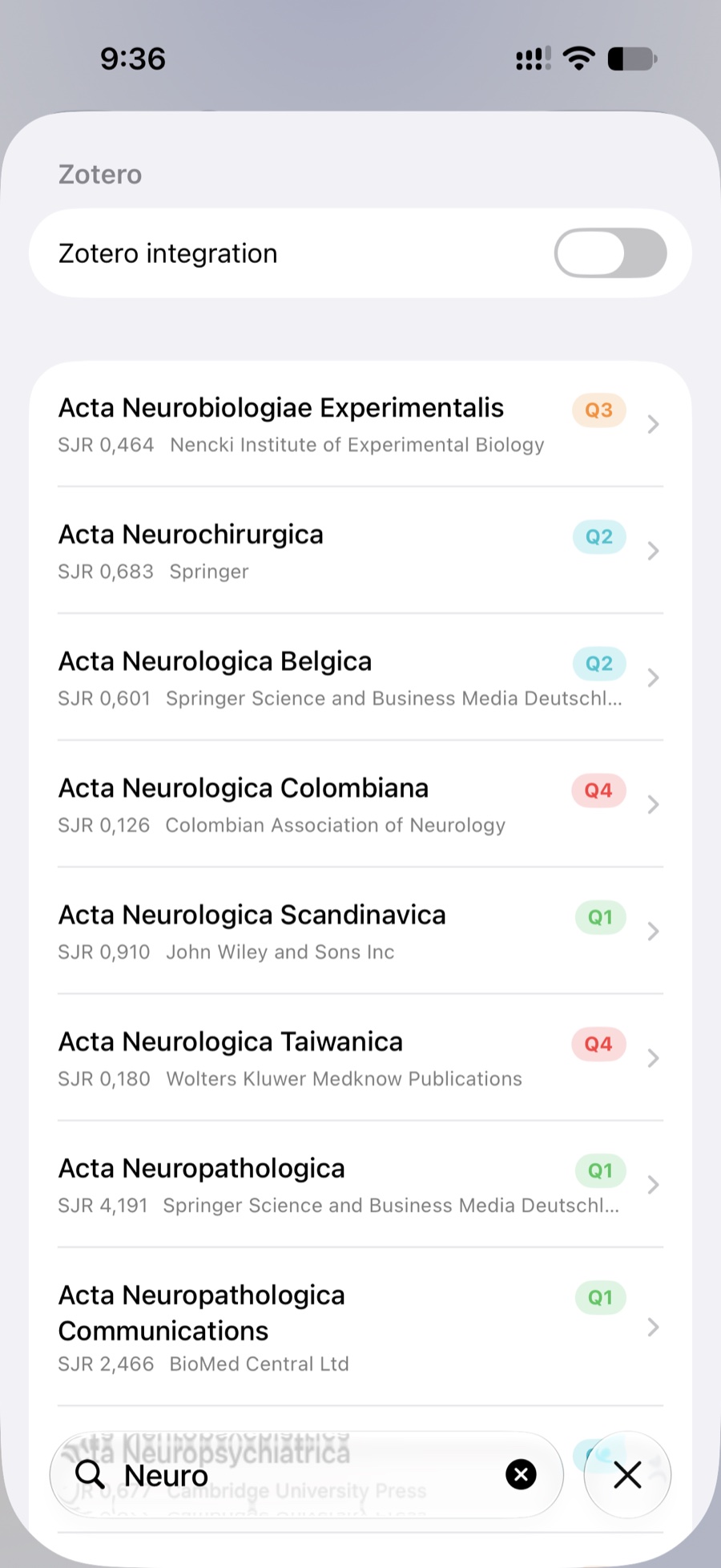
Bring in your own SCImago CSV and keep a journal table for each year. Search the SJR value, quartile, subject area and publisher from your imported file.
Hikari shows what your table contains. It does not connect to an external metrics service.
Your imported journal table.View larger ↗
Why Hikari exists
Built from a real need to keep things together.
I’m a neurosurgeon and researcher. I started Hikari because my notes, papers, images and drafts kept ending up in different places. I wanted a calmer way to work with them together, across the Apple devices I use every day.
Hikari is now in public beta. If it fits the way you think and work, I’d love your help shaping what comes next.
László HalászNeurosurgeon and researcher
An invitation to try
Make room for your next idea.
Try Hikari Scribe in the public TestFlight beta. Choose your device and help shape what comes next.
Requires iOS, iPadOS or macOS 26 or later. Apple Watch is included with the iPhone app. No separate Hikari account needed.
Before you begin
A few small things.
How do I join the beta?
Open the link for your device. TestFlight will guide you through installing Hikari Scribe. This is a beta, so you may encounter bugs as you explore.
Which link should I choose?
Choose iPhone, iPad or Mac on the device you want to use. Each app has its own TestFlight invitation. The Apple Watch companion comes with the iPhone app.
Where can I report a problem?
Send feedback through TestFlight or write to feedback@hikariscribe.app. Include your device, system version, app build and the steps that led to the problem.
 Hikari Scribe